One workflow
Video scheduling, AI posts, analytics, creator profiles, and collaboration tools stay connected.
VidShare started with video publishing and scheduling, and now adds AI-assisted written posts for Facebook, Instagram, and LinkedIn alongside creator visibility, content planning, brand discovery, and public-facing pages.
Paid plans also unlock AI Repost Agent, which turns strong recent videos into approval-ready repost ideas with fresh copy and scheduling drafts.
Video scheduling, AI posts, analytics, creator profiles, and collaboration tools stay connected.
Generate article-style social posts with images for Facebook, Instagram, and LinkedIn.
Paid users can generate repost suggestions, fresh hooks, and approval-ready schedule drafts from recent safe videos.
Content opportunities help creators plan around holidays, seasonal windows, and niche audience moments.
The product is strongest when publishing, visibility, and collaboration live in the same operating system instead of being spread across separate tools.
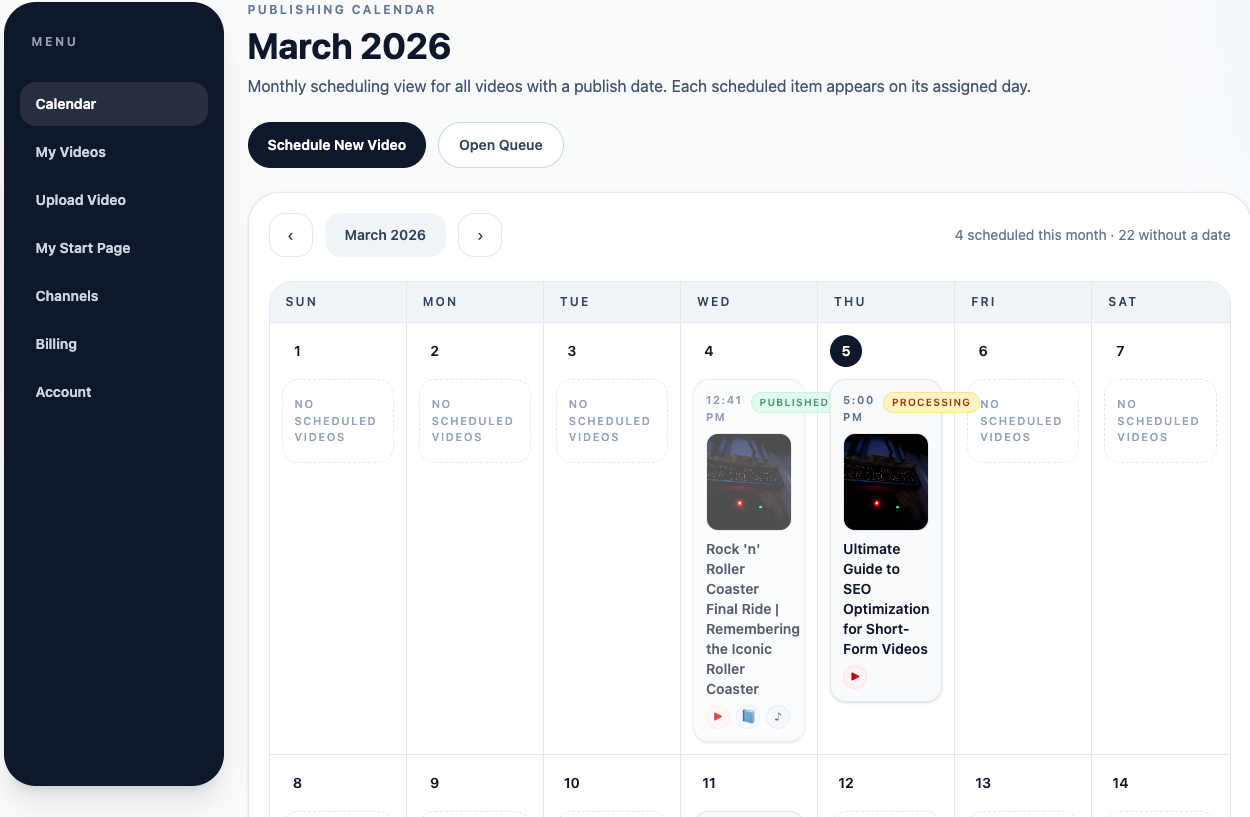
VidShare started as a publishing workflow. The calendar, library, scheduling tools, AI post creation, and AI-assisted follow-up features all build on that same core system instead of sending users into separate products.
Start with keywords or a topic, add a link you want included, and let VidShare draft the post body. You can edit everything manually, upload your own image, or generate a featured image with AI before scheduling.
Turn a topic, keywords, and link into an article-style social post.
Use an uploaded image or generate a featured image with OpenAI.
Publish to Facebook Pages, Instagram, and LinkedIn with per-platform status.
AI Repost Agent is a paid VidShare feature that reviews videos from your library, finds videos worth reposting, drafts fresh hooks and captions, recommends a platform, and prepares a schedule draft for approval.
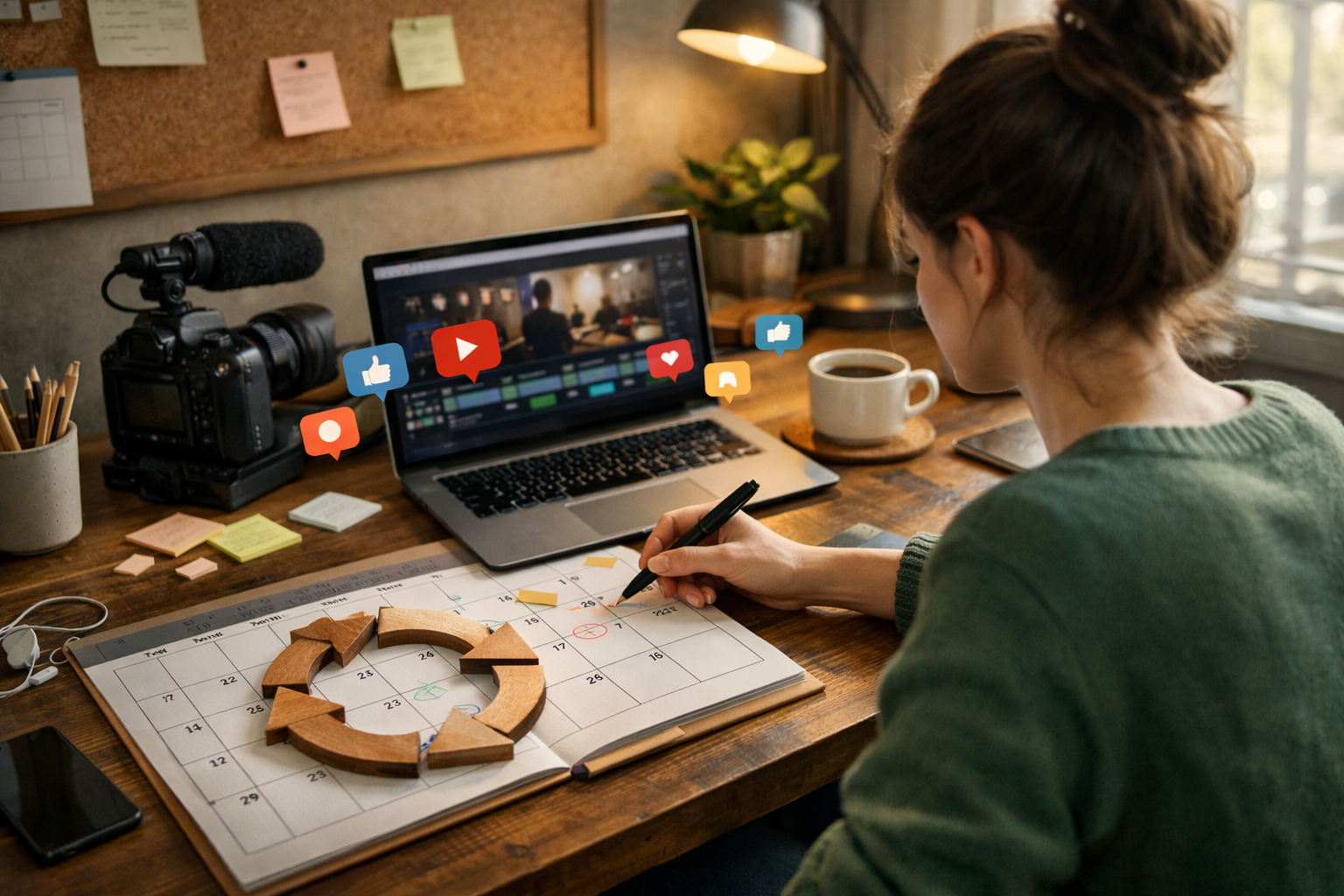
The agent is designed to find safe recent videos, explain why they were chosen, and hand the draft back for approval before anything gets scheduled.
The agent suggests reposts, but the user still decides what gets scheduled. Nothing auto-posts by default.
Generate a new hook, updated caption, and repost-ready hashtags while leaving the source video unchanged.
The feature is visible to everyone, but paid users unlock real suggestions, activity history, and approval-driven scheduling.
Review upcoming holidays, seasonal moments, niche creator dates, and social posting opportunities from a dedicated planning page. Each event can include content ideas, suggested hashtags, reminder emails, and quick actions to create or schedule a post.

Opportunities live outside the day-to-day posting queue so users can plan upcoming moments without cluttering the publishing calendar.
Keep upcoming moments in a separate Opportunities page so the publishing calendar can stay focused on scheduled videos and posts.
Users can receive reminder emails before key dates, then manage preferences or unsubscribe from those reminders without affecting required account emails.
When an opportunity matters, creators can move straight into create or schedule flows instead of rebuilding the plan from scratch.
Creators can build profiles and visibility. Brands can browse and evaluate creators. VidShare is becoming a collaboration layer that grows naturally out of the rest of the product.
VidShare now gives creators a free path to create a professional profile, publish it, and present more context to brands.
For CreatorsBrand-side marketplace access is positioned around discovery, deeper evaluation, and collaboration tools that save research time.
For BrandsVidShare is evolving beyond a publishing tool into a collaboration hub where profiles, insights, and outreach support each other.
Compare AlternativesStats, insights, Start Pages, video marketing pages, and hosted destinations help VidShare feel like more than a publishing queue. They give creators more presence and brands more context.
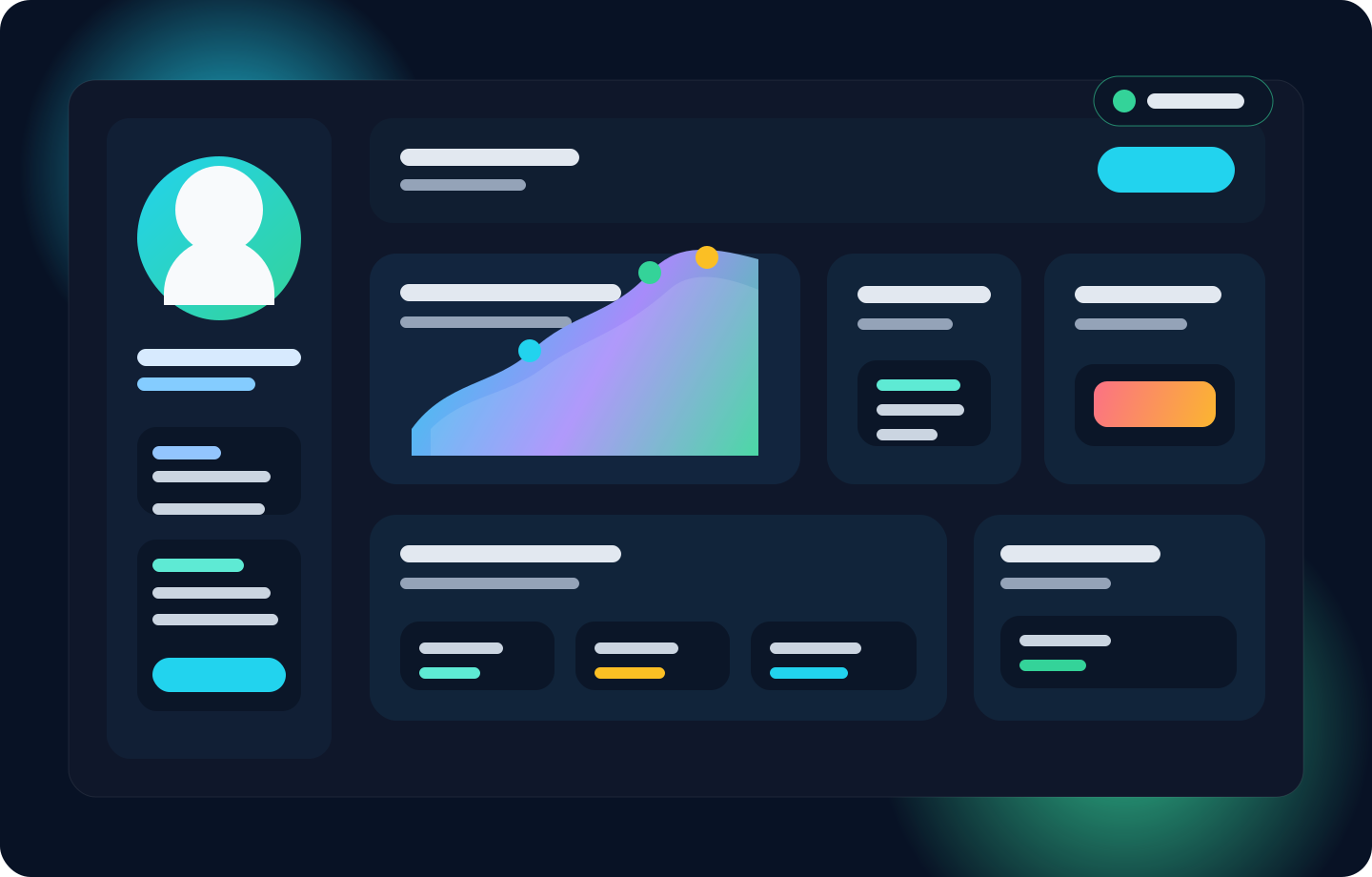
Marketing pages, creator profiles, and hosted destinations give each video and creator a stronger place to land after the initial post goes live.
Performance signals help creators show momentum and help teams understand which content is worth repeating or promoting.
Profiles now serve as the front door to collaboration, making them more meaningful than a simple listing page.
VidShare is best understood as a broader platform where publishing, discovery, and creator-brand collaboration increasingly belong together.
A quick summary of how publishing, visibility, and collaboration fit together.
It covers video publishing, AI post creation, AI repost planning, content planning, scheduling, evergreen reposting, creator profiles, analytics, marketing pages, and creator-brand collaboration workflows in one place.
VidShare is built for creators, brands, and lean teams that want one workflow for content distribution, visibility, and collaboration.
Yes. Creators can join and publish a creator profile for free. Brand-side marketplace access remains the paid side for deeper discovery and collaboration value.
Collaboration is positioned as a natural extension of creator profiles, stats, insights, and public-facing pages, not a disconnected add-on.
Yes. VidShare includes content opportunities with event reminders, content ideas, suggested hashtags, and quick create or schedule actions so creators can plan ahead.
Yes. VidShare can generate written article-style posts from a topic, keywords, and a link, create or use a featured image, and schedule the post to Facebook Pages, Instagram, and LinkedIn.
AI Repost Agent is a paid VidShare feature. Free users can preview the workflow, while paid plans unlock live suggestions, generated repost copy, and approval-ready schedule drafts.
Start with the audience-specific page that matches what you need from VidShare right now.